Families, sponsors and players who cannot get to the ground all want the same thing: to know what is happening now. A live link answers that question without asking anyone to download an app or create an account. This guide explains how it works in CricSport, what each setting means, and how to share it so people actually follow the match.
What a live link is
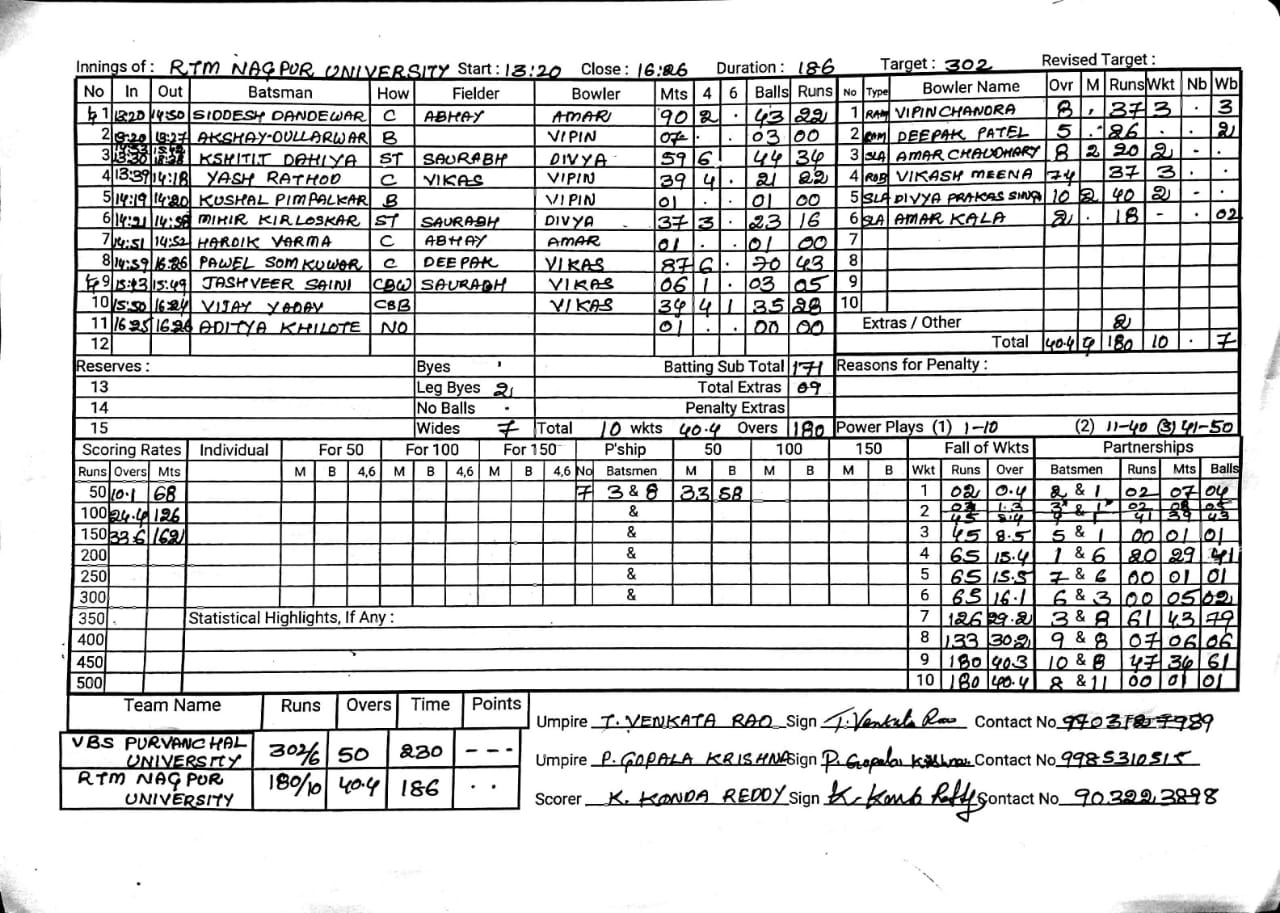
A live link is a web page for one match. It shows the score, the overs, the run rate, the batters, the bowler and the last balls. It updates as the scorer records each delivery, so the page stays close to the scorecard the scorer is keeping. There is no separate commentary to write, because the page is built from the same ball-by-ball record.
When a chase is in progress, the page also shows the target, the runs still needed and the balls remaining, so viewers can follow the pressure as the innings develops.
Choosing who can see a match
A scorer chooses whether a match is private, unlisted or published. A private match is visible only to the club and its members. An unlisted match can be seen by anyone with the link, but it does not appear in any list. A published match appears on the live list, so people can find it without a link.
Most clubs use unlisted for friendly matches and published for league and tournament matches. Choose the setting before the first ball, because a match can always be made more visible later but making it private again may leave people with a link that no longer works.
Following the match
On the live page, each new ball appears with a short animation. A six shows a banner and the ball rising over the ground. A four shows the ball running to the rope. A wicket shows a banner and the stumps flashing. Opening the page does not replay the earlier balls, so the animation only marks what has just happened.
The live list shows every published match currently in progress, with the score line for each. It refreshes every twenty seconds, so a parent can check several matches from one screen.
Accessibility
Motion can be turned off in your device settings. When reduced motion is on, the banners stay but the moving ball does not. The score and the important events are also announced to screen readers, so people who cannot see the animation still hear about wickets and boundaries.
Sharing with your club
Send the link to players, parents and sponsors before the match starts. Put it in the club's messaging group, on the fixture list and on the scoreboard at the ground if you have one. A link that is shared early becomes a habit, and people check it at the same time every weekend.
When the signal drops
A live link needs a connection to update. If the scorer loses signal, the page shows the last confirmed score and a notice that it is reconnecting. When the scorer is back online, the scores catch up. Nothing is lost, because the scorer keeps recording while offline.
Common questions
The page is only as current as the scorer, so a clear agreement about who scores and how often helps. Viewers do not need to refresh; the page updates on its own.
Match questions
Questions scorers actually ask
- 01 Do viewers need an account to follow a live match?
- No. A published match can be followed by anyone from the live list, and an unlisted match can be followed by anyone with the link.
- 02 How quickly do the scores update?
- The page updates as the scorer records each ball. Connection speed and signal at the ground affect how quickly an update arrives.
- 03 Can I stop people seeing a match after it has started?
- Yes. A scorer can change the visibility of a match. Private matches are not shown to anonymous viewers, so the link stops working for them.